

[ FLASHFORGE ] AD5X FDM 3D Printer
- Regular price
- RM 1,499.00
- Sale price
- RM 1,499.00
- Regular price
-
RM 0.00

Share
Product Description
Your First Step Into
Multi-Colour 3D Printing.
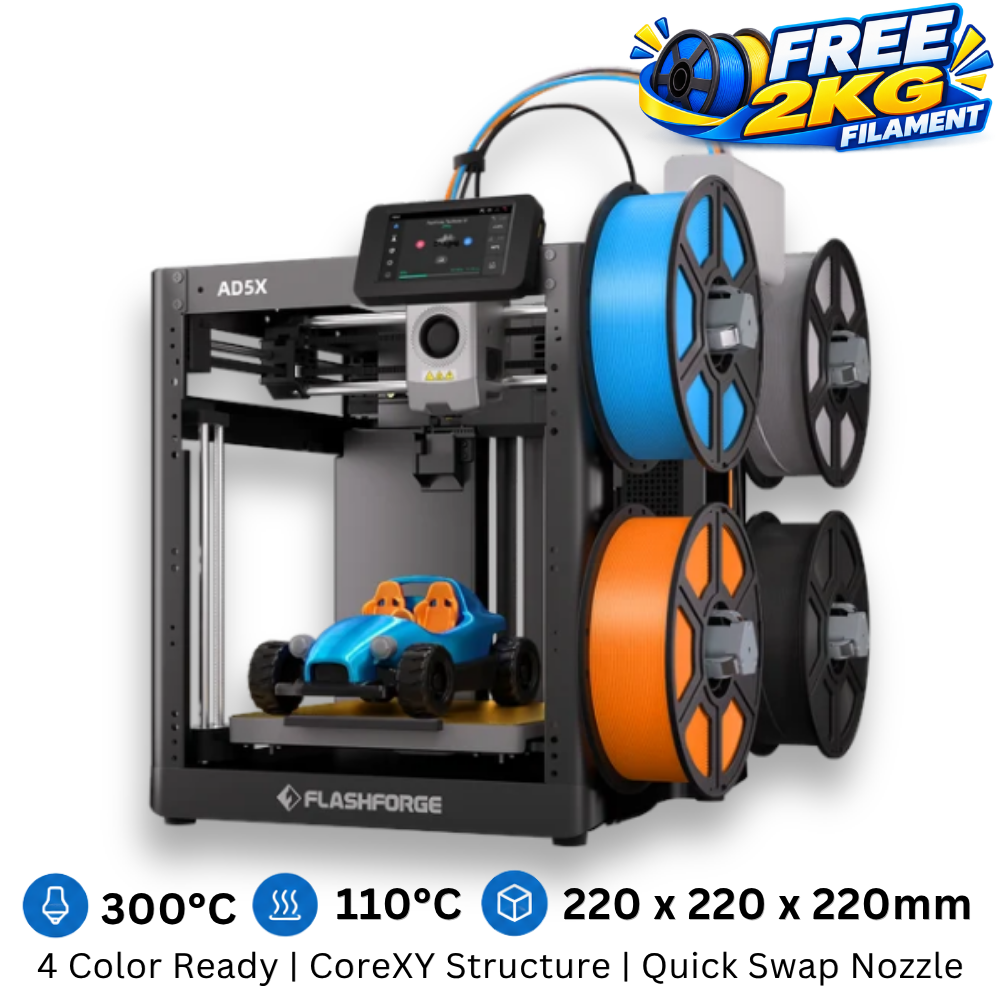
Meet the Flashforge AD5X — a compact CoreXY 3D printer that brings automatic multi-colour printing to everyday creators. With its Intelligent Filament System (IFS), quick-swap nozzle and automatic bed levelling, the AD5X is an excellent starting point for beginners, hobbyists, students and makers.
Everything You Need to Get Started.
More than just a printer. Our AD5X package includes a complimentary camera and two different types of HariMau3D filament, giving you the opportunity to explore both everyday and functional 3D printing from the start.
Flashforge AD5X
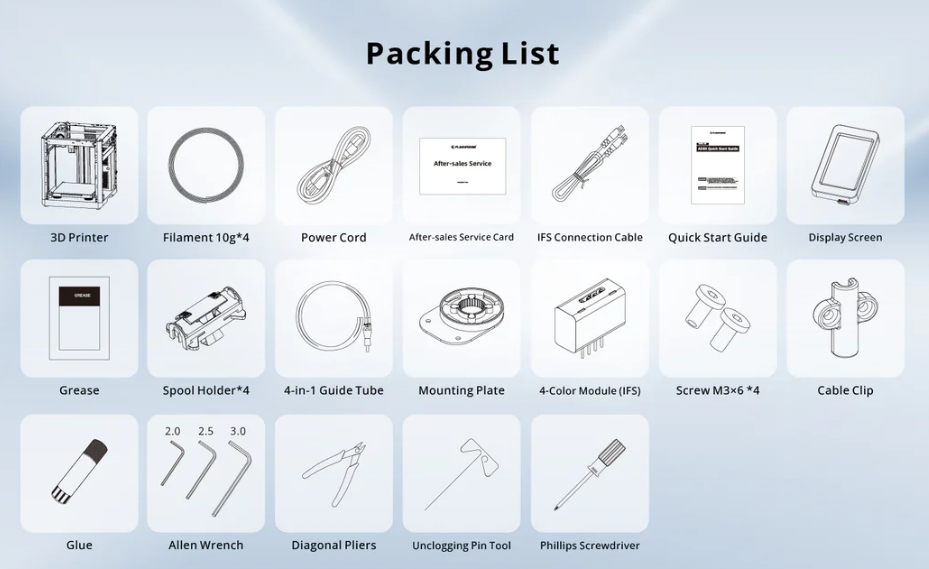
Complete AD5X 3D printer with its four-colour Intelligent Filament System (IFS) and standard manufacturer accessories.
Ready for Multi-Colour PrintingFree Camera
Monitor your printing progress remotely after installing the included camera. Follow our dedicated camera installation guide to get set up.
Camera Installation ↗1kg PLA Basic
HariMau3D PLA Basic is an excellent starting material for everyday models, decorative prints, prototypes and creative projects.
Explore PLA Basic ↗1kg PETG Basic
HariMau3D PETG Basic is suitable for tougher, more durable prints and functional parts that require improved heat resistance compared to PLA.
Explore PETG Basic ↗Start with PLA for everyday printing, then explore PETG for stronger and more functional applications. Your complimentary filament colours will be randomly selected based on stock availability.
Note: Complimentary filament colours are randomly selected, subject to stock availability. Please refer to the selected product option above for the applicable package and promotion details.
Your First Print Starts Here.
Never used a 3D printer before? We've prepared a dedicated Flashforge AD5X Getting Started Guide to help you from unboxing to your first successful print and beyond. At HariMau3D, your learning journey doesn't stop after purchasing a printer.
Why Choose the Flashforge AD5X?
A practical combination of multi-colour printing, CoreXY performance and beginner-friendly features in a compact desktop printer.
4-Colour Intelligent Filament System
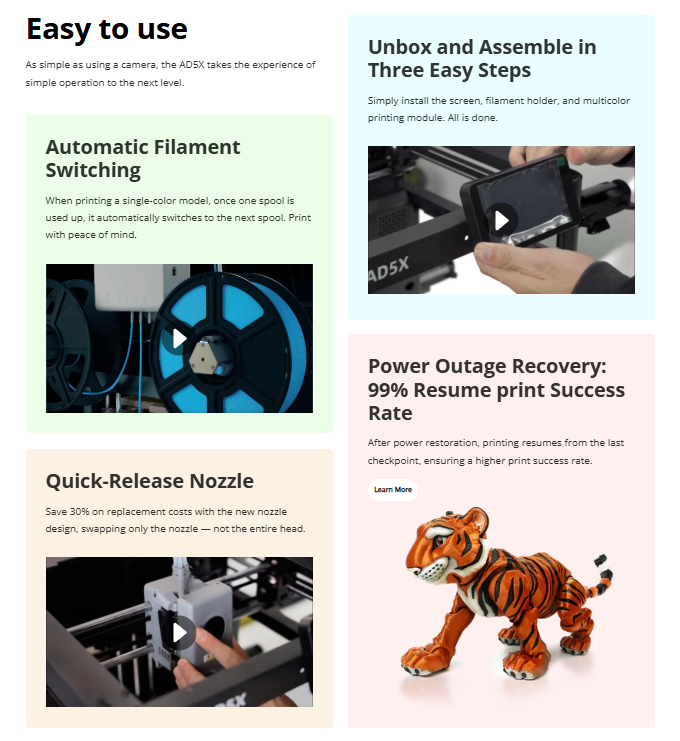
Print models using up to four filament colours with automatic filament switching. Create colourful figurines, personalised gifts, decorative objects and functional designs without manually changing filament for every colour.
CoreXY Motion System
The CoreXY structure supports fast and controlled printhead movement, with a maximum acceleration of 20,000 mm/s². Suitable for everyday prototyping, creative projects and small-batch printing.
Quick-Swap Nozzle
Simplify maintenance with a quick-release nozzle assembly. The standard 0.4 mm nozzle is suitable for most prints, while optional nozzle sizes offer more flexibility for detailed or larger models.
Automatic Bed Levelling
Automatic levelling helps simplify printer setup and establish a consistent first layer. Fine-tune your Z Offset directly on the printer when necessary using our first-layer calibration guide.
Flexible PEI Build Plate
The removable PEI-coated spring steel build plate makes finished models easier to remove after cooling. Remove and gently flex the build plate when your print is ready.
Smart Connectivity
Connect through Wi-Fi, Ethernet or USB. Prepare models on your computer, send print jobs to the printer and monitor printing progress using compatible software and the installed camera.
Flashforge AD5X Specifications
Detailed technical information to help you understand the printer's capabilities and choose the right setup.
| Printing System | |
|---|---|
| Printing Technology | FDM / FFF |
| Motion System | CoreXY |
| Build Volume | 220 × 220 × 220 mm |
| Extruder Quantity | 1 |
| Multi-Colour System | Intelligent Filament System (IFS), up to 4 colours |
| Layer Height | 0.1 – 0.4 mm |
| Standard Nozzle Diameter | 0.4 mm |
| Optional Nozzle Sizes | 0.25 / 0.6 / 0.8 mm |
| Nozzle Replacement | Quick-release nozzle assembly |
| Speed & Performance | |
| Maximum Printing Speed | 300 mm/s |
| Maximum Travel Speed | 600 mm/s |
| Maximum Acceleration | 20,000 mm/s² |
| Printing Precision |
±0.1 mm
Manufacturer test based on 100 mm cubes. |
| Temperature & Build Plate | |
| Maximum Nozzle Temperature | 300°C |
| Maximum Bed Temperature | 110°C |
| Build Plate | Flexible PEI-coated spring steel sheet |
| Bed Levelling | Automatic bed levelling |
| Printer Structure | Open-frame design |
| Filament Compatibility | |
| Filament Diameter | 1.75 mm |
| Manufacturer-Listed Materials |
PLA, PETG, TPU 95A, TPU 64D–75D, PLA-CF and PETG-CF
TPU 95A is recommended for single-colour printing. Refer to material-specific feeding and nozzle requirements. |
| HariMau3D Tested Materials | PLA Basic, PETG Basic, ABS Basic, ASA Basic and TPU Basic 95A |
| Smart Features & Connectivity | |
| Touchscreen | 4.3-inch touchscreen |
| Filament Run-out Detection | Supported |
| Power Loss Recovery | Supported |
| Remote Monitoring | Supported with a compatible camera installed |
| Camera | Complimentary camera included in HariMau3D's current AD5X package. Installation required. |
| Connectivity | Wi-Fi / Ethernet / USB |
| Slicing Software | Flash Studio (formerly Orca-Flashforge) / Orca Slicer |
| Physical Specifications | |
| Machine Dimensions |
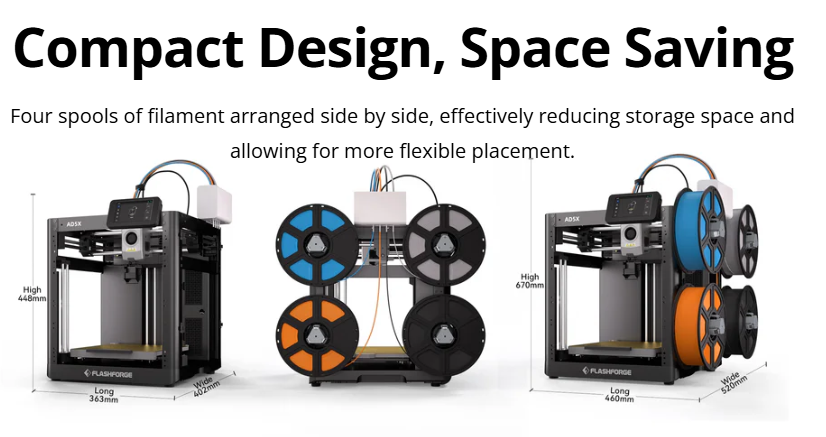
363 × 363 × 413 mm
Excluding touchscreen and spool holder. |
| Dimensions with Screen |
363 × 402 × 448 mm
Including touchscreen, excluding spool holder. |
| Net Weight | Approx. 11.4 kg |
| Rated Power | 650 W |
| Power Input | AC 100–120 V / 200–240 V, 50/60 Hz |
| Recommended Operating Temperature | 15–30°C |
What Can Your AD5X Print?
We have tested our HariMau3D filaments on the AD5X to provide practical starting profiles for everyday printing. Start with the recommended profiles below and fine-tune your settings when necessary.
| Material | Recommended Profile | Settings | Shop Filament |
|---|---|---|---|
| PLA Basic | Generic PLA | Default profile | Shop PLA ↗ |
| PETG Basic | Generic PETG | Default profile | Shop PETG ↗ |
| ABS Basic | Generic ABS | Default profile | Shop ABS ↗ |
| ASA Basic | Generic ABS |
Bed: 110°C
Override bed temperature. |
Shop ASA ↗ |
| TPU Basic 95A | TPU Profile | Direct feed, bypass IFS | Shop TPU ↗ |
HariMau3D ABS Basic and ASA Basic have been successfully printed on the AD5X without an enclosure. Avoid direct airflow from fans or air conditioners, and keep the surrounding temperature stable throughout the print. Ensure effective ventilation and appropriate emission control without directing airflow onto the printer. Larger models and certain geometries may be more sensitive to warping.
For our TPU Basic 95A, we recommend using the HariMau3D AD5X Top Spool Holder and feeding the filament directly to the extruder without using the IFS. Download the Top Spool Holder from our FREE STL page ↗ .
Your Local 3D Printing Partner.
At HariMau3D, we believe purchasing a 3D printer is only the beginning. As a Flashforge distributor in Malaysia, we bring together printers, locally manufactured filaments, spare parts, practical tutorials and technical support to help you continue creating.