

How to Choose Your First 3D Printer (Malaysia Beginner Guide)
New to 3D printing? Before you buy your first machine, you only need to answer 3 simple questions. Choosing the right setup will determine how easy your printing journey is, what materials you can use, and whether you outgrow your printer too quickly.
1. Do you want to design your own models, or just print?
If you’re just starting out, most people fall into one of two groups.
If you plan to just download STL files and print, you are in the beginner category. This means you’ll be printing things like toys, figurines, accessories, or simple functional items. In this case, you only need an open-frame printer and beginner-friendly materials like PLA, PETG, or TPU. This setup is simple, reliable, and suitable for about 80–90% of users.
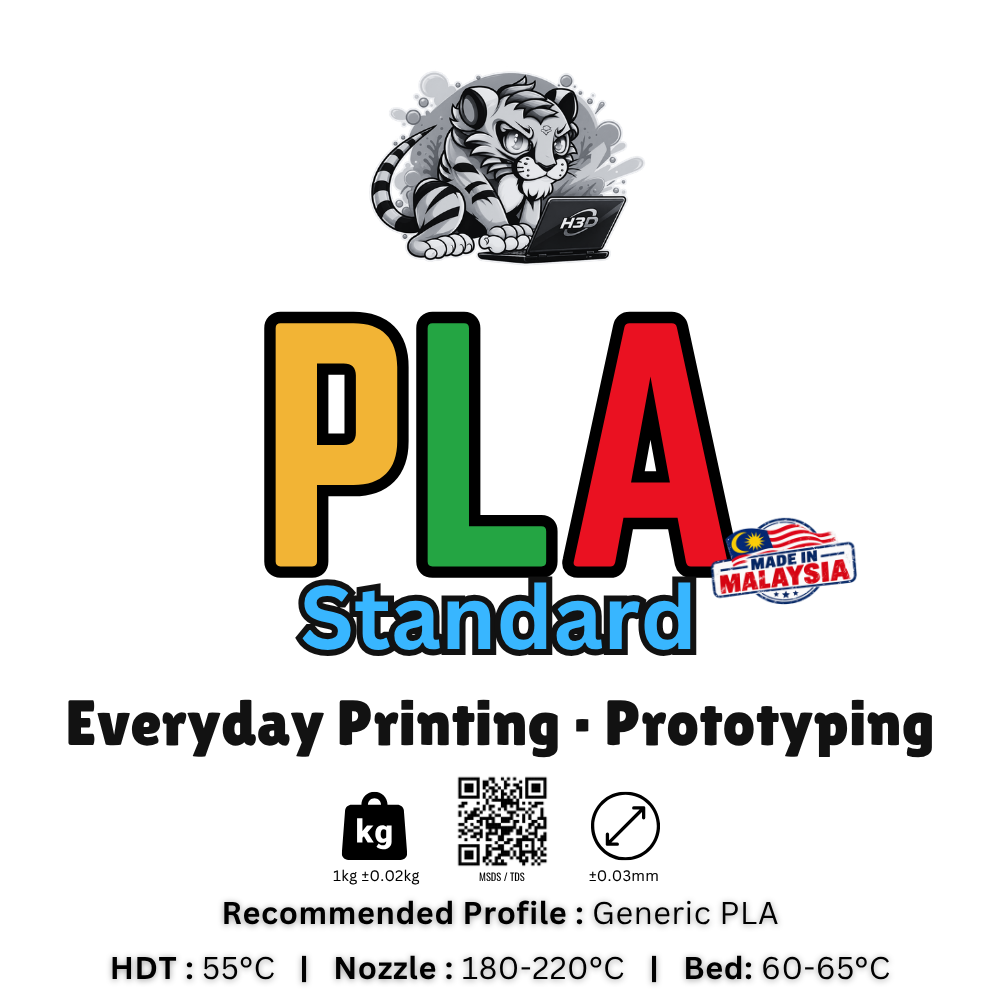
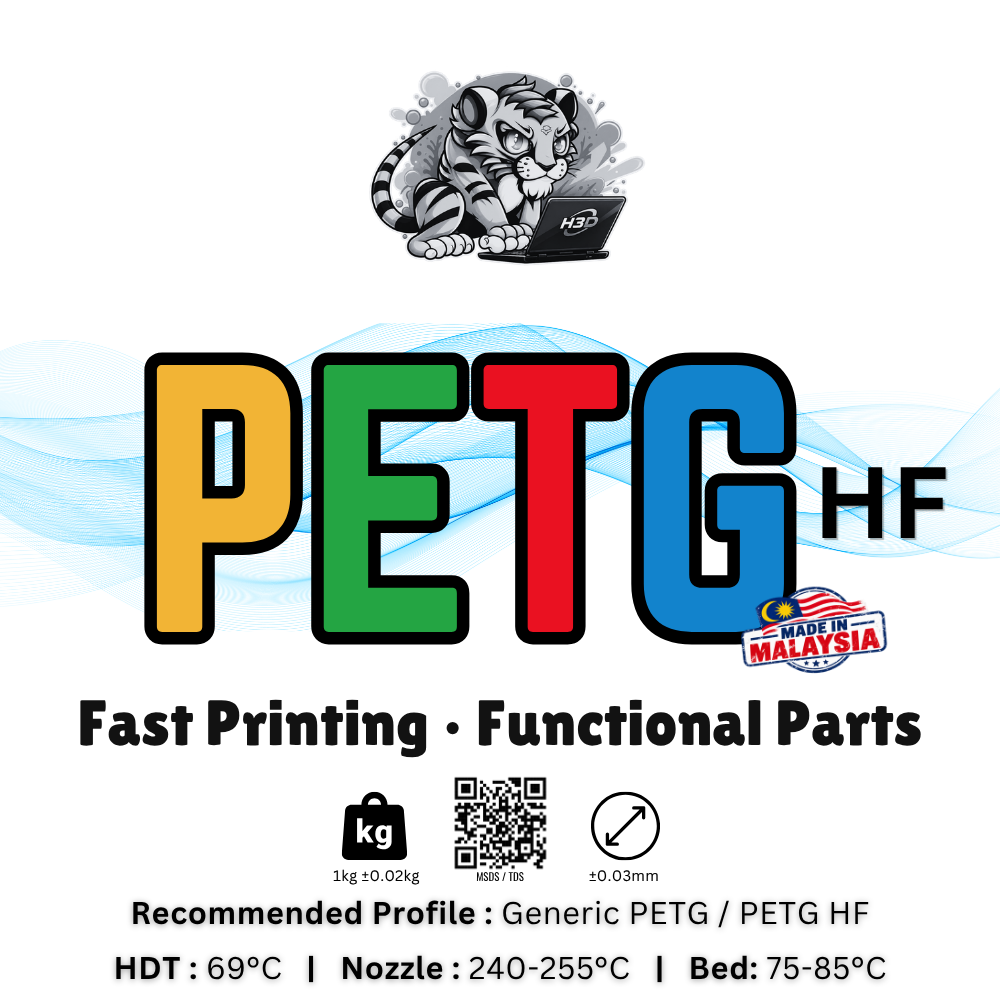
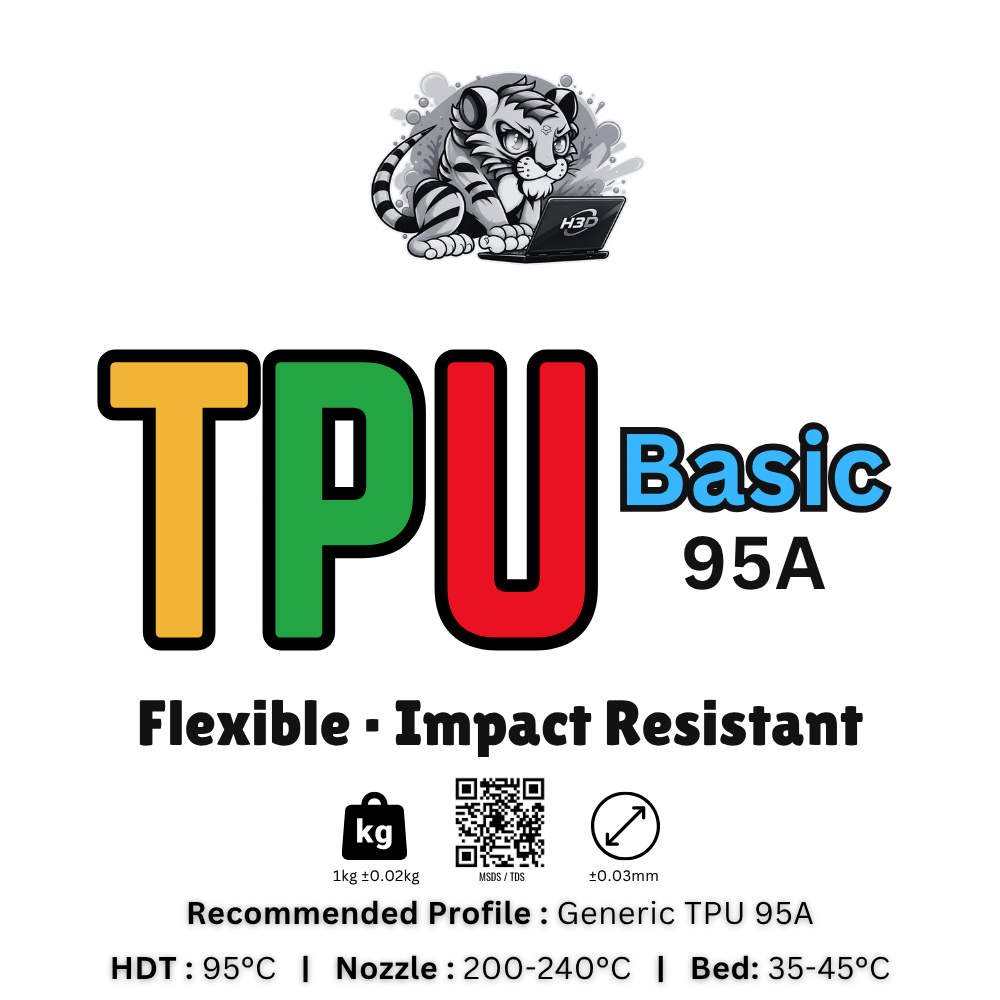
(Click image to explore)
If you plan to design your own models, using software like Fusion or Onshape, then you’re moving into a more advanced path. You will likely want better material compatibility and a more stable machine. While you can still start with a basic printer, you may outgrow it faster as your projects become more complex.
2. What do you want to print?
Your use case determines both your material and your printer setup.
If you are printing hobby or casual items such as figurines, decorative pieces, or simple prints, PLA is the best starting material. It is easy to print, clean, and works perfectly on open-frame printers.
If you want to print functional parts such as holders, brackets, or daily-use items, you should consider PETG or ABS+. These materials are stronger and more durable, making them better for real-world use.
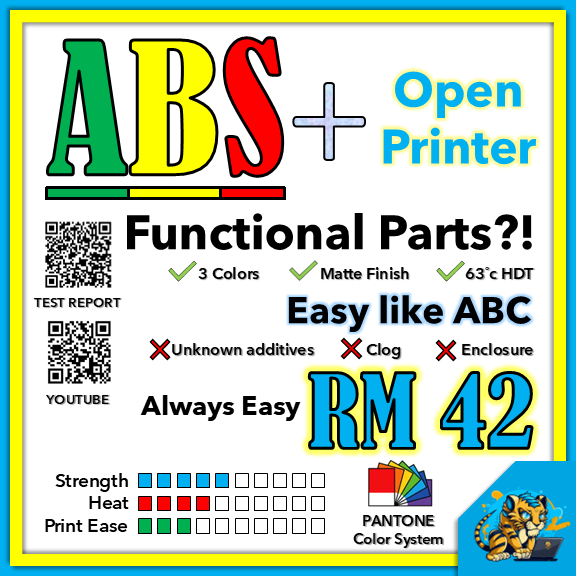
(Click image to explore)
If you are planning to print engineering or heat-resistant parts, such as automotive components or outdoor-use items, material choice becomes critical. Small ABS parts can be printed with an enclosure, but for larger ABS or ASA prints, a heated chamber is required. Without proper temperature control, prints may warp or fail.
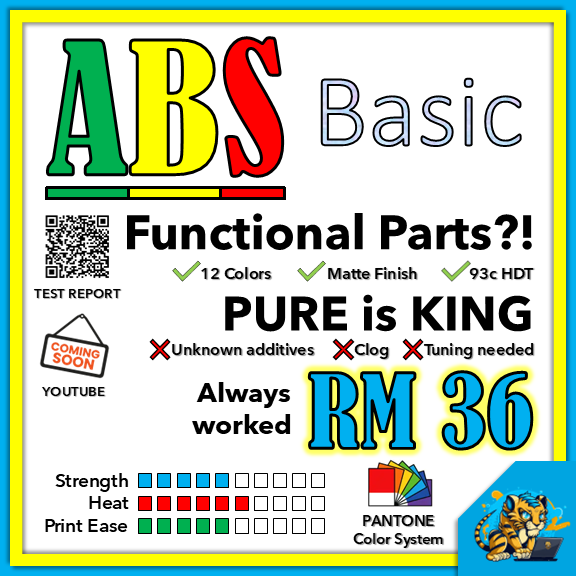
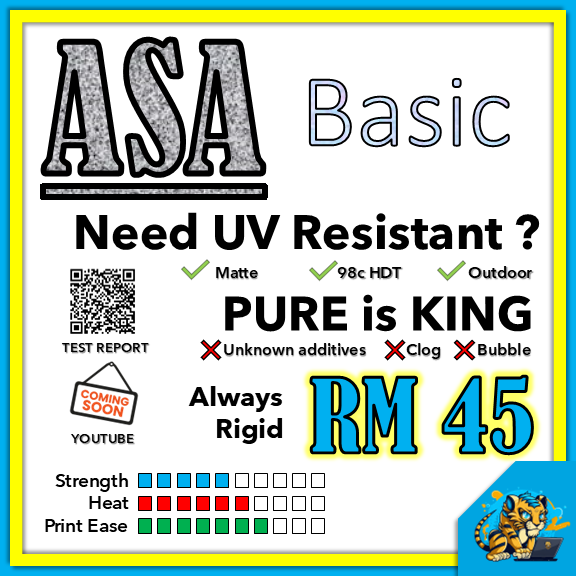
(Click image to explore)
3. Do you need multi-color printing?
Not everyone needs multi-color printing, but if you do, there are different systems to consider.
If you are printing in a single color, a standard printer is the simplest and most cost-effective option.
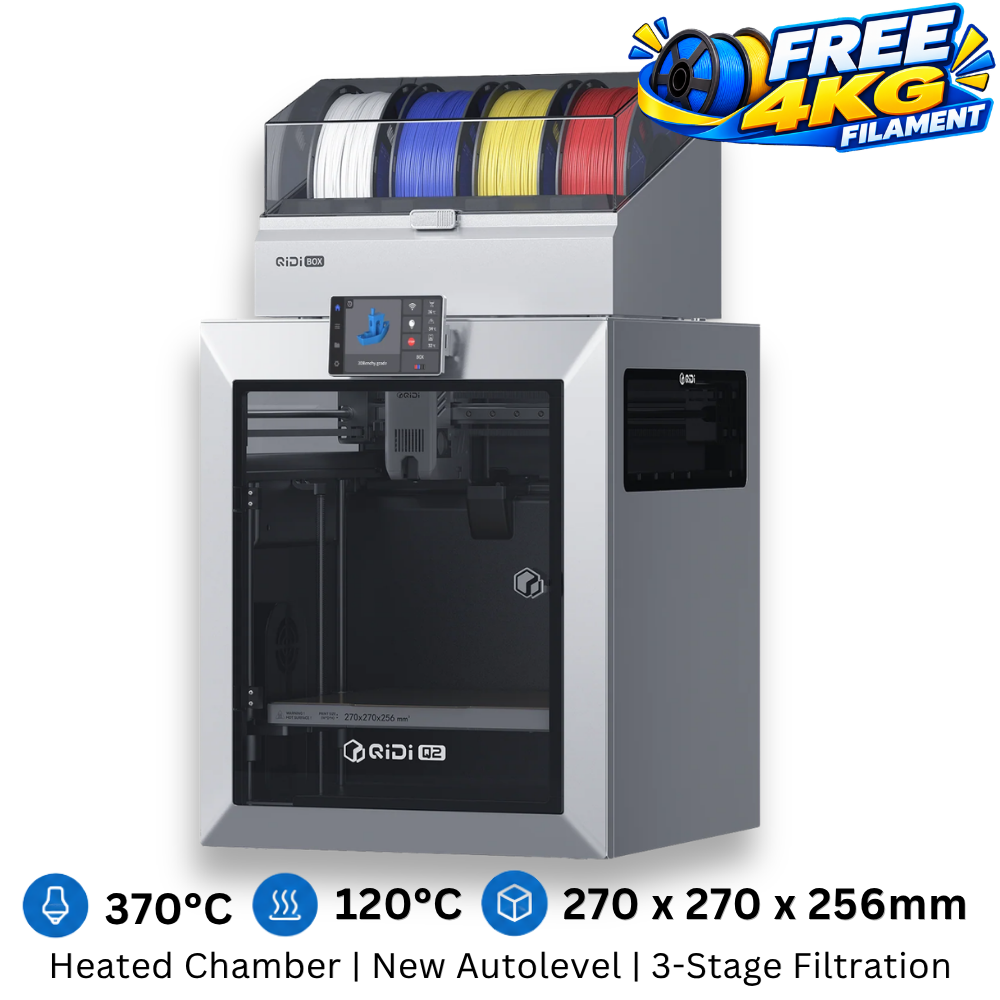
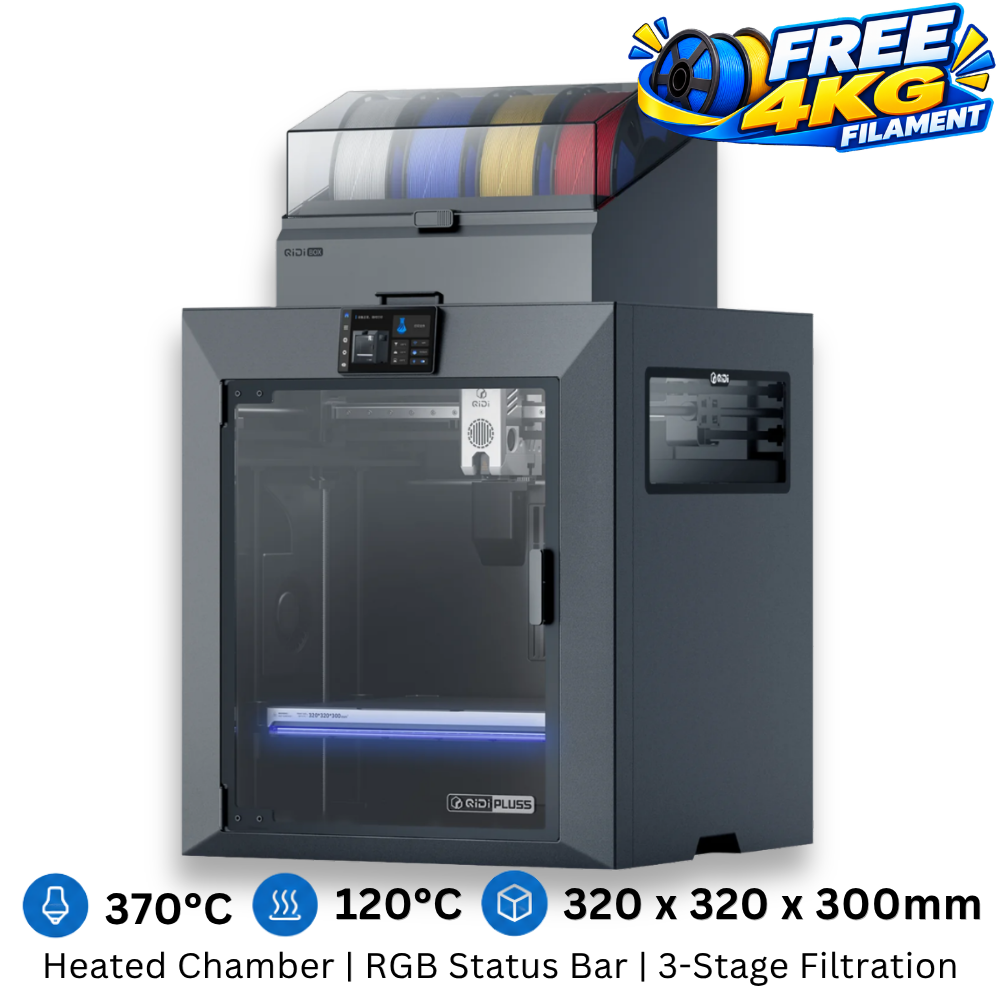
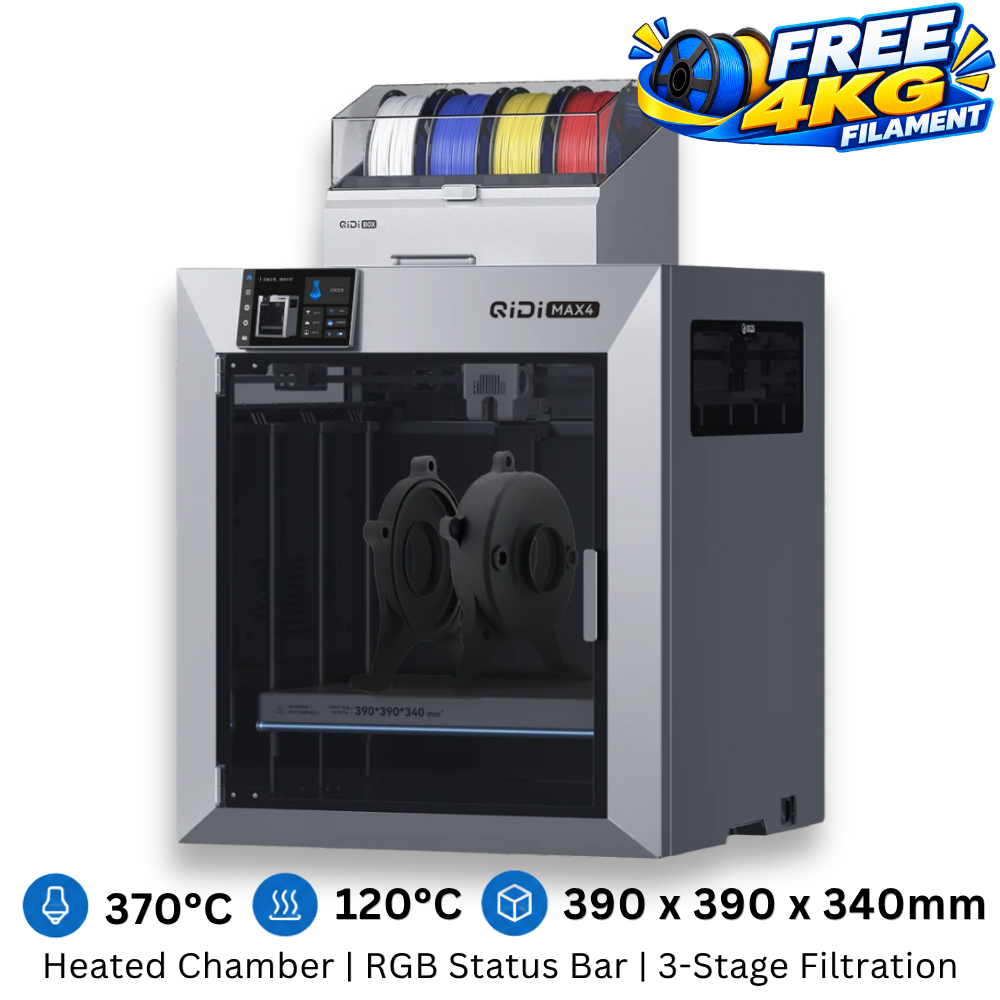
(Click image to explore)
If you want multi-color printing at a beginner level, most systems use a single toolhead with multi-material switching. This allows multiple colors, but it generates material waste during color changes.
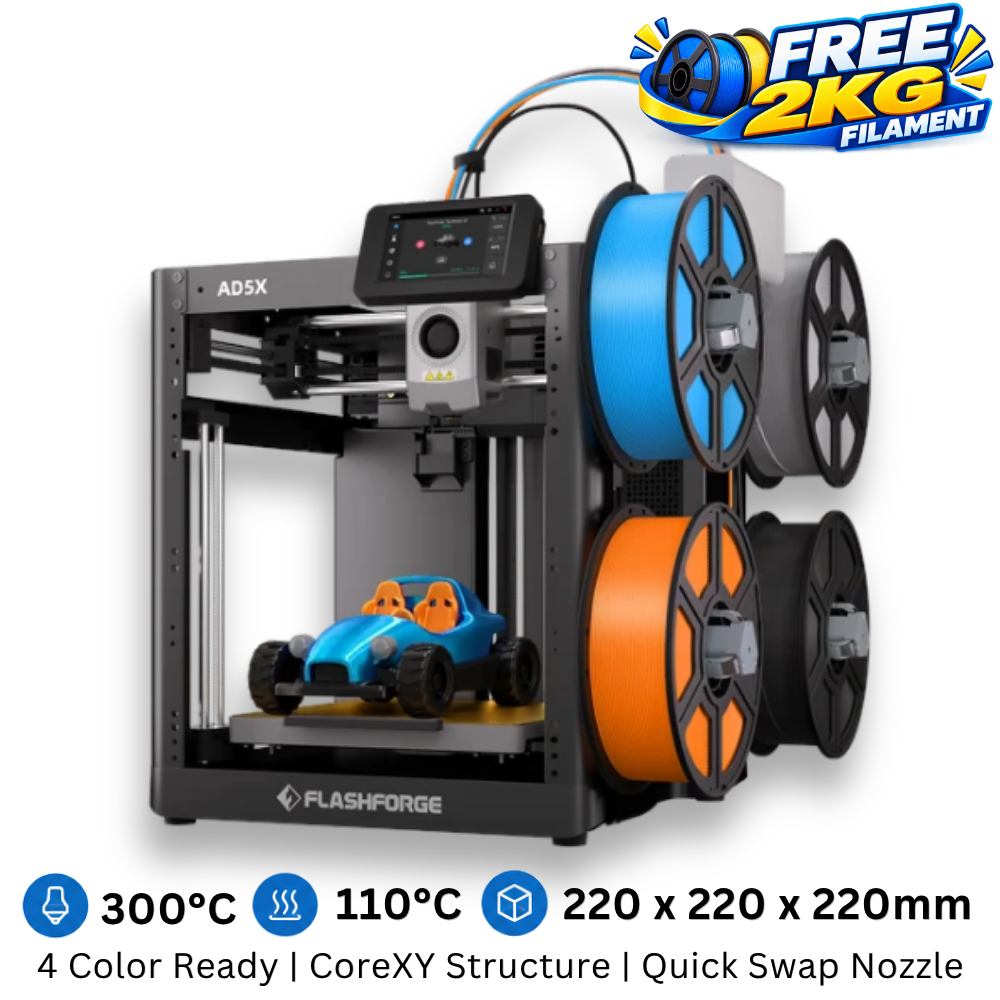
(Click image to explore)
If you want a more advanced setup, multi-toolhead systems allow you to reduce waste and even mix different materials. However, they usually support fewer colors, typically up to four.
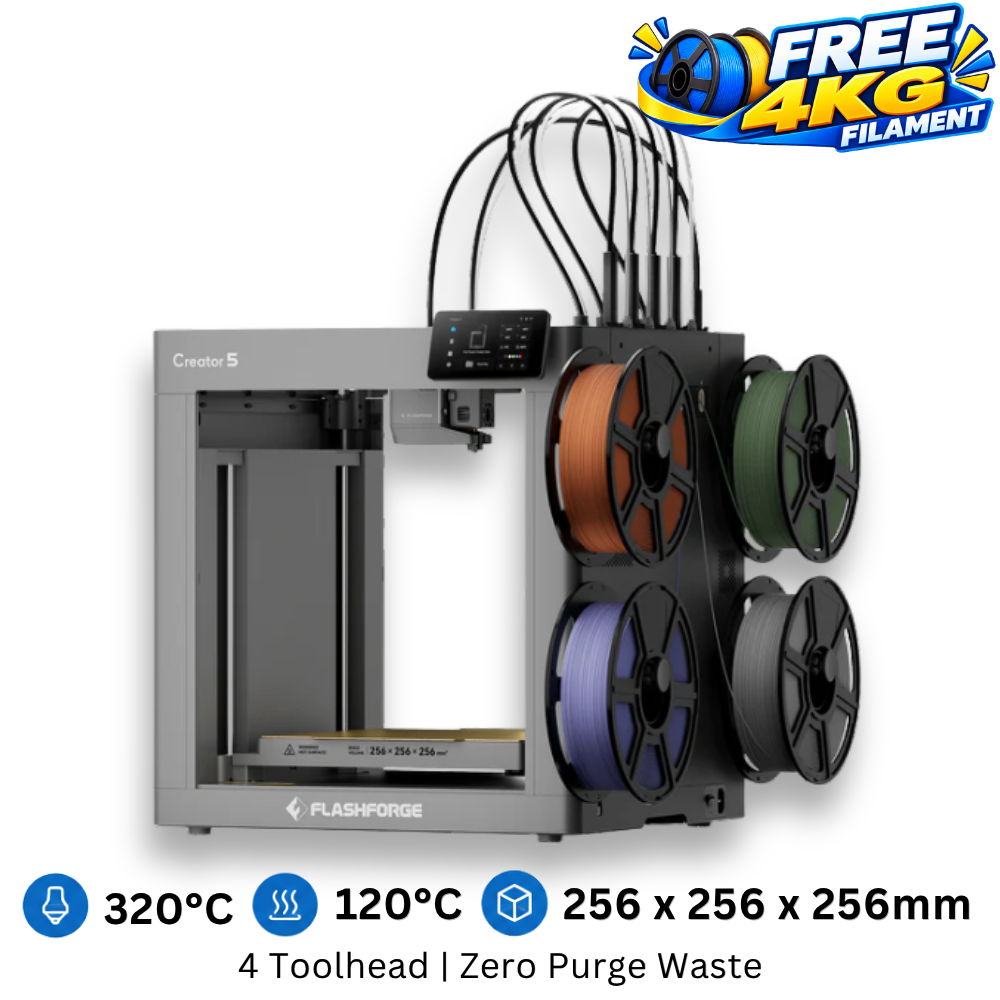
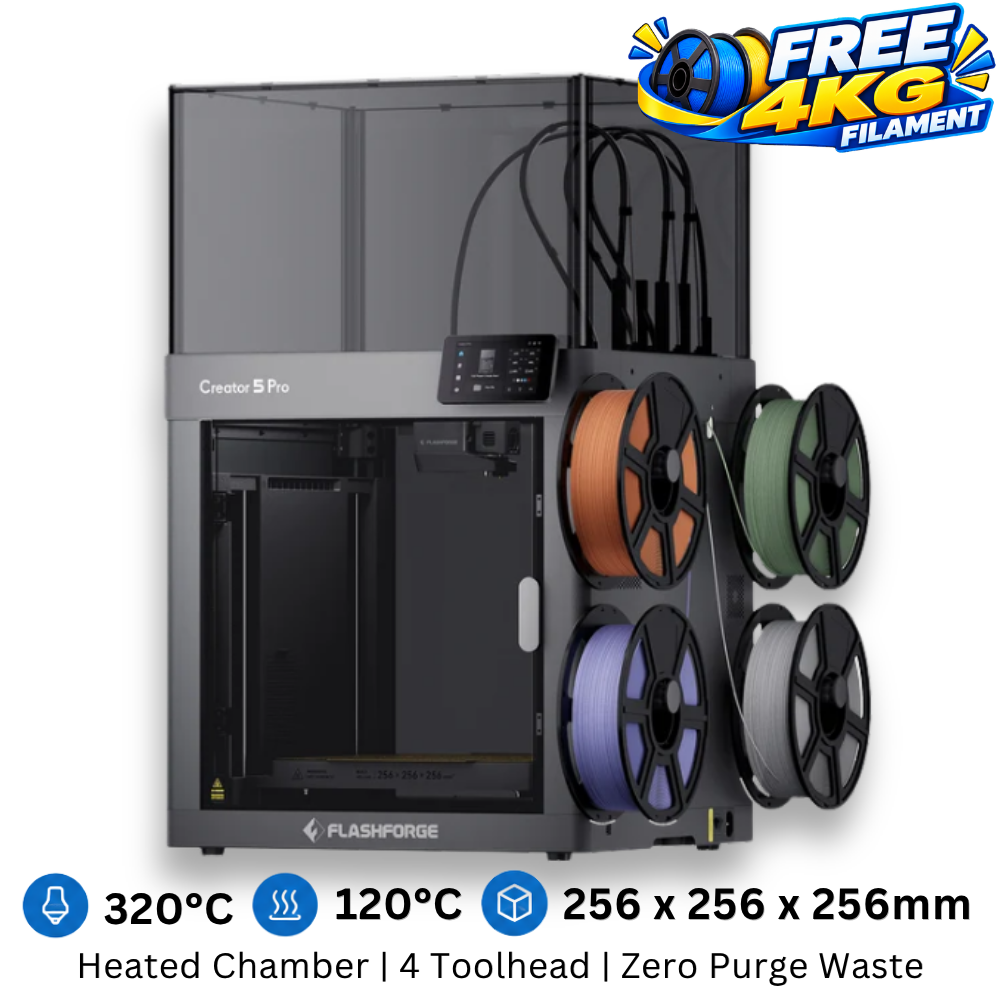
(Click image to explore)
Quick Summary
🟢 Open printers → PLA / PETG / TPU / ABS+
🟡 Small ABS → enclosure needed
🔴 Large ABS / ASA → heated chamber required
🔵 Multi-color → single toolhead (more waste)
🟣 Multi-material → multi toolhead (less waste, ~4 colors)
Recommended Starter Setup
For most beginners, the best way to start is with a simple and reliable setup: an open-frame 3D printer paired with PLA filament. This combination is easy to use, affordable, and capable of handling most beginner projects.
As you gain experience, you can upgrade to PETG or ABS+ for stronger parts, and later explore enclosures or advanced machines depending on your needs.
🔥 Most beginners start with this:
Flashforge AD5X
✔ Easy to use
✔ Multi-color ready
✔ Great value at RM1499 (Free 2kg)
👉 View Recommended Printer →
Still not sure?
Choosing your first 3D printer can be confusing, especially with so many options available. If you’re unsure, feel free to reach out to us. We can recommend the right setup based on what you want to build and how far you plan to go.
Start simple, learn fast, and upgrade when you’re ready.